01
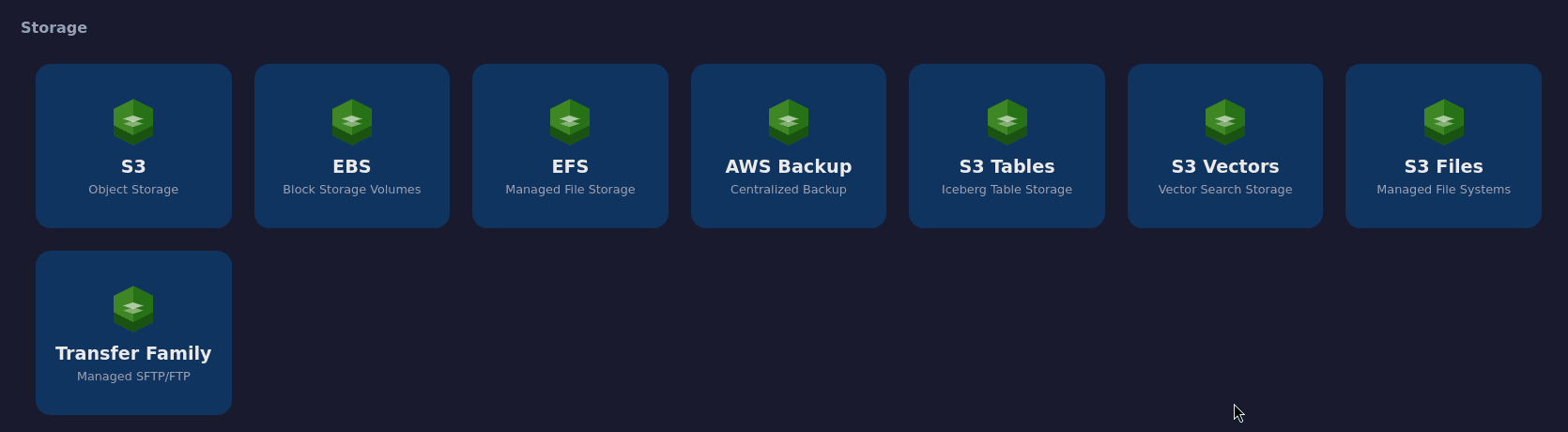
Storage
S3, EBS, EFS, Backup, S3 Tables, Vectors, Files, and Transfer
8modules
73 AWS modules → one desktop
Explore and operate resources across 73 AWS modules from one native, consistent, local interface. Connect to real AWS or work against compatible emulated environments.
Operational coverage
AWS Desktop Center is no longer limited to data services. It now brings together selected operations from storage through cost management.
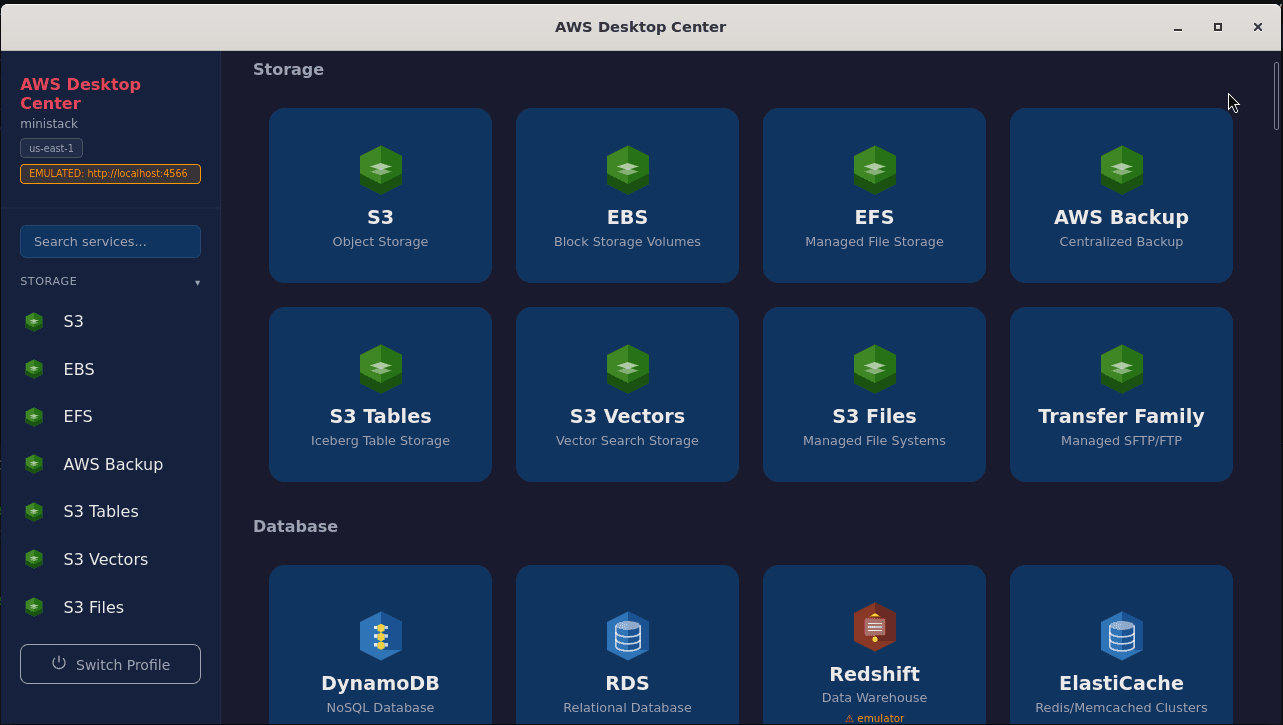
S3, EBS, EFS, Backup, S3 Tables, Vectors, Files, and Transfer
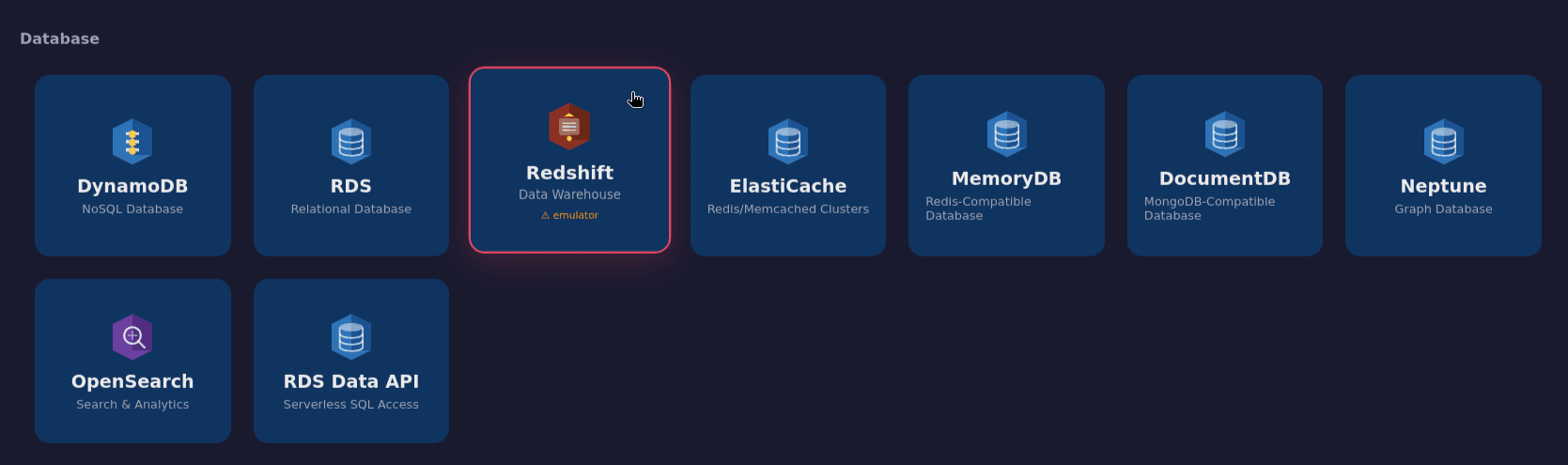
DynamoDB, RDS, Redshift, ElastiCache, MemoryDB, Neptune, and more
Glue, Athena, Kinesis, Firehose, EMR, and MSK
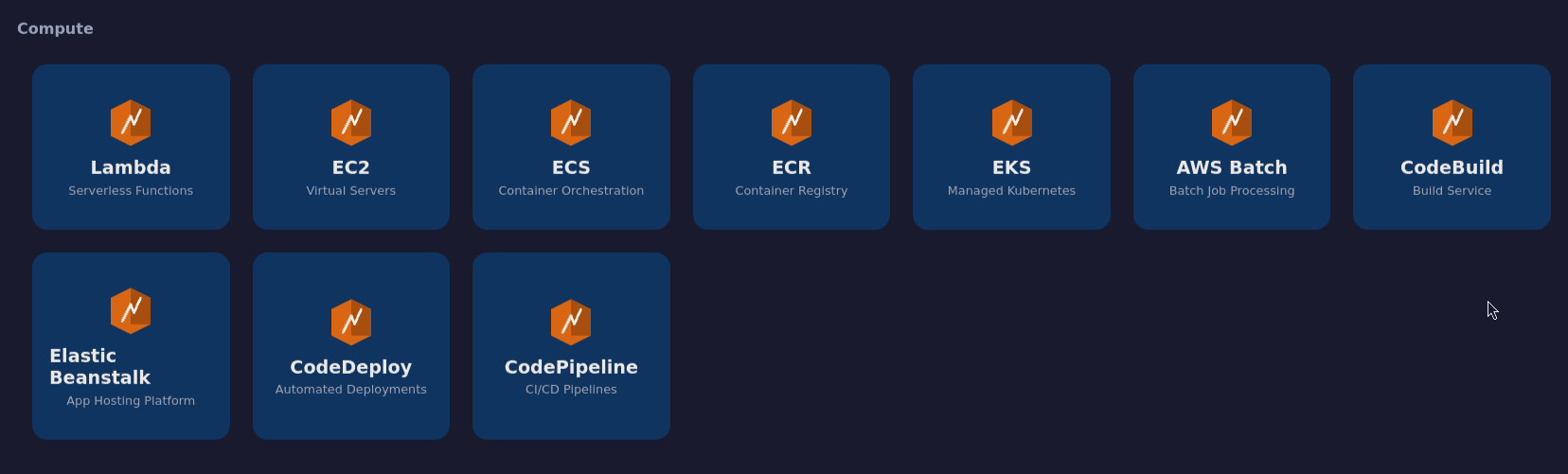
Lambda, EC2, ECS, ECR, EKS, Batch, and delivery tooling
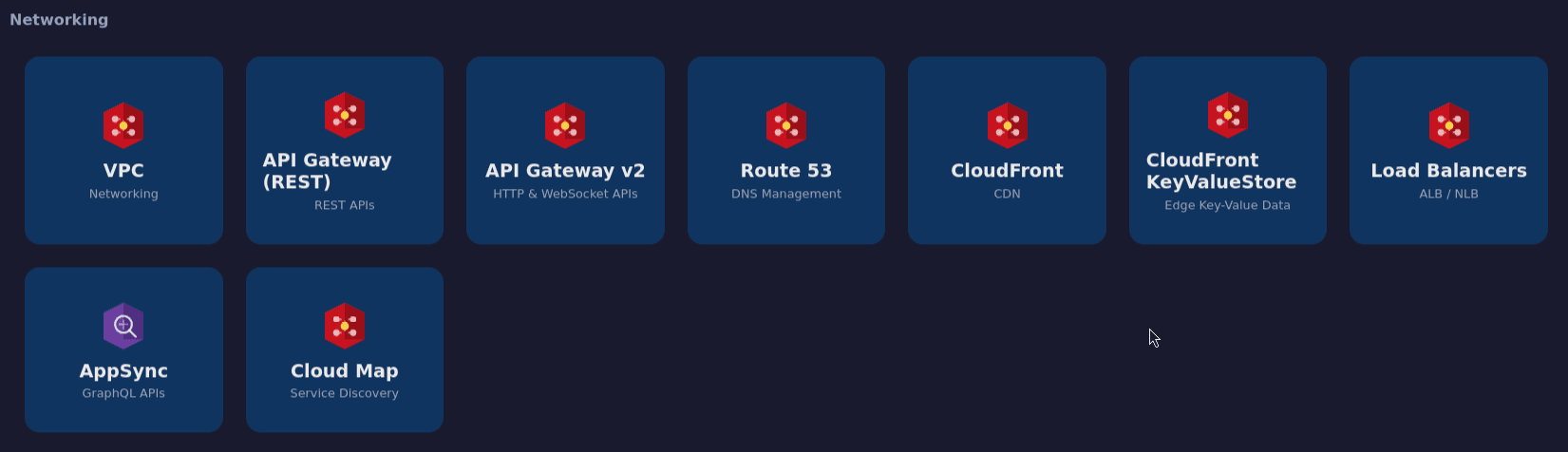
VPC, API Gateway, Route 53, CloudFront, ELB, AppSync, and Cloud Map
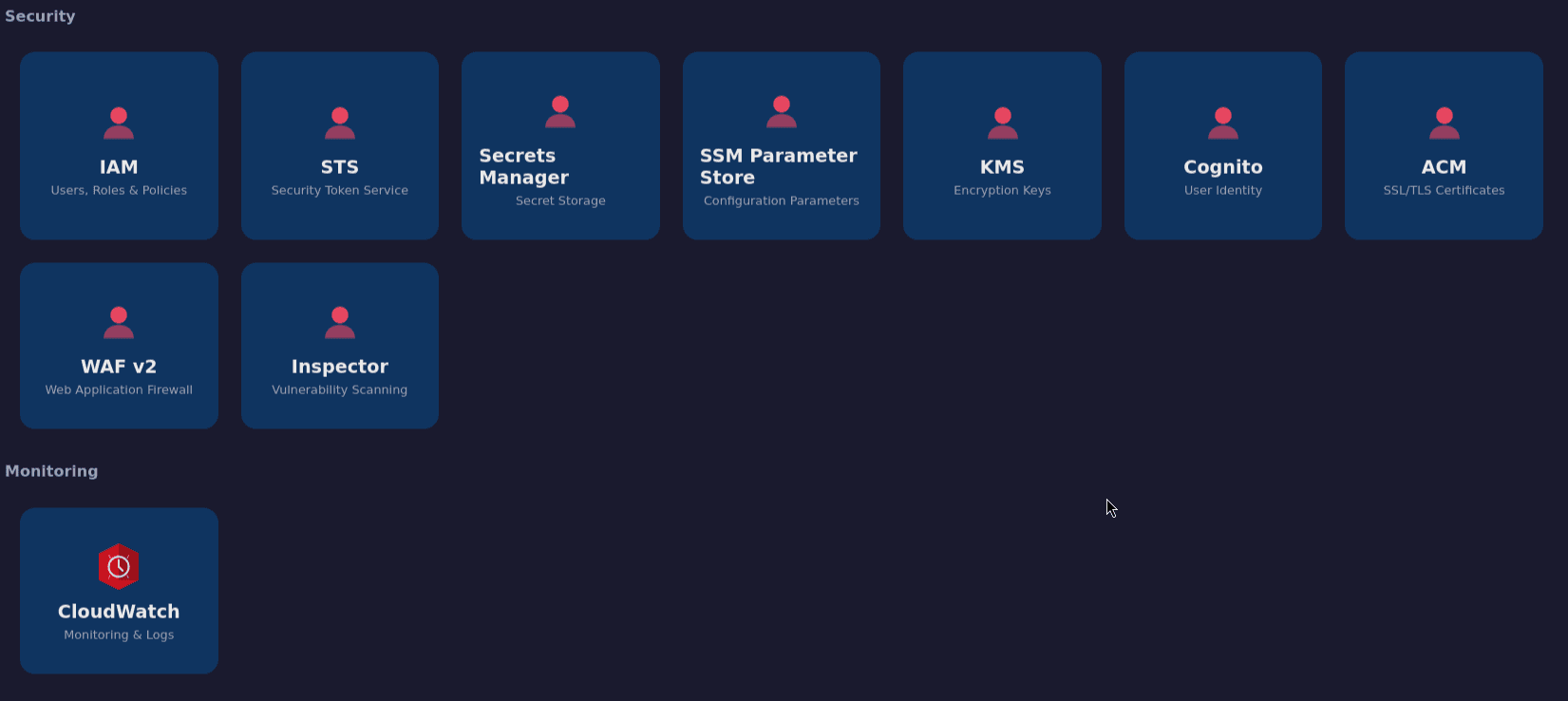
IAM, STS, Secrets Manager, SSM, KMS, Cognito, ACM, WAF, and Inspector
CloudWatch logs, metrics, alarms, and operational dashboards
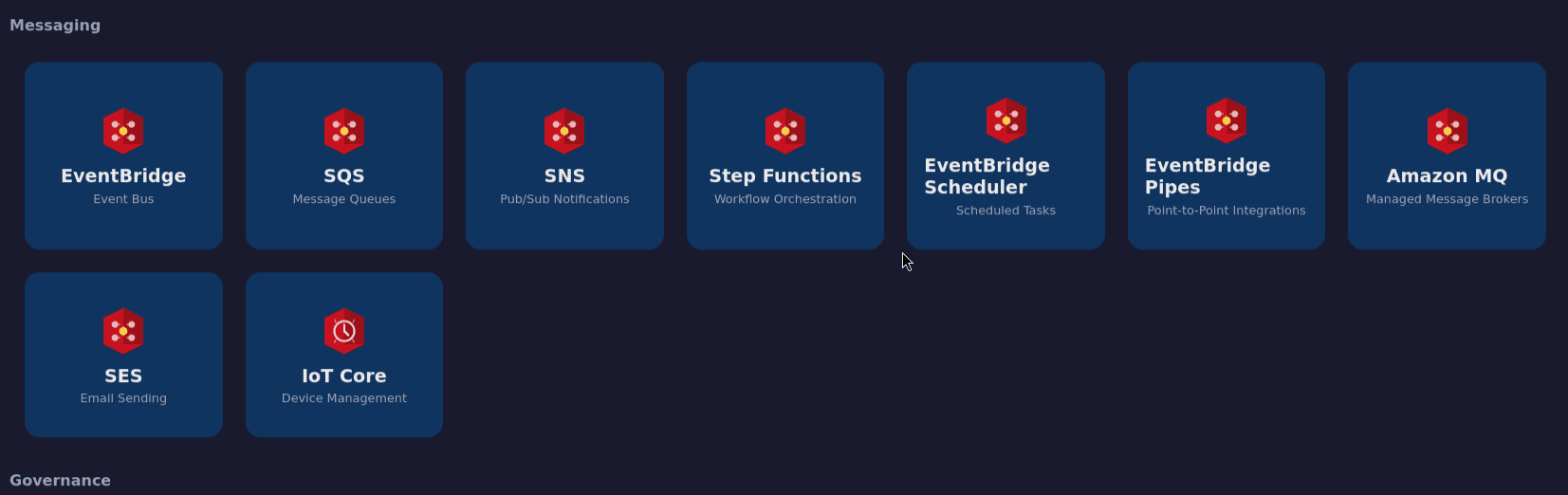
EventBridge, SQS, SNS, Step Functions, MQ, SES, and IoT Core
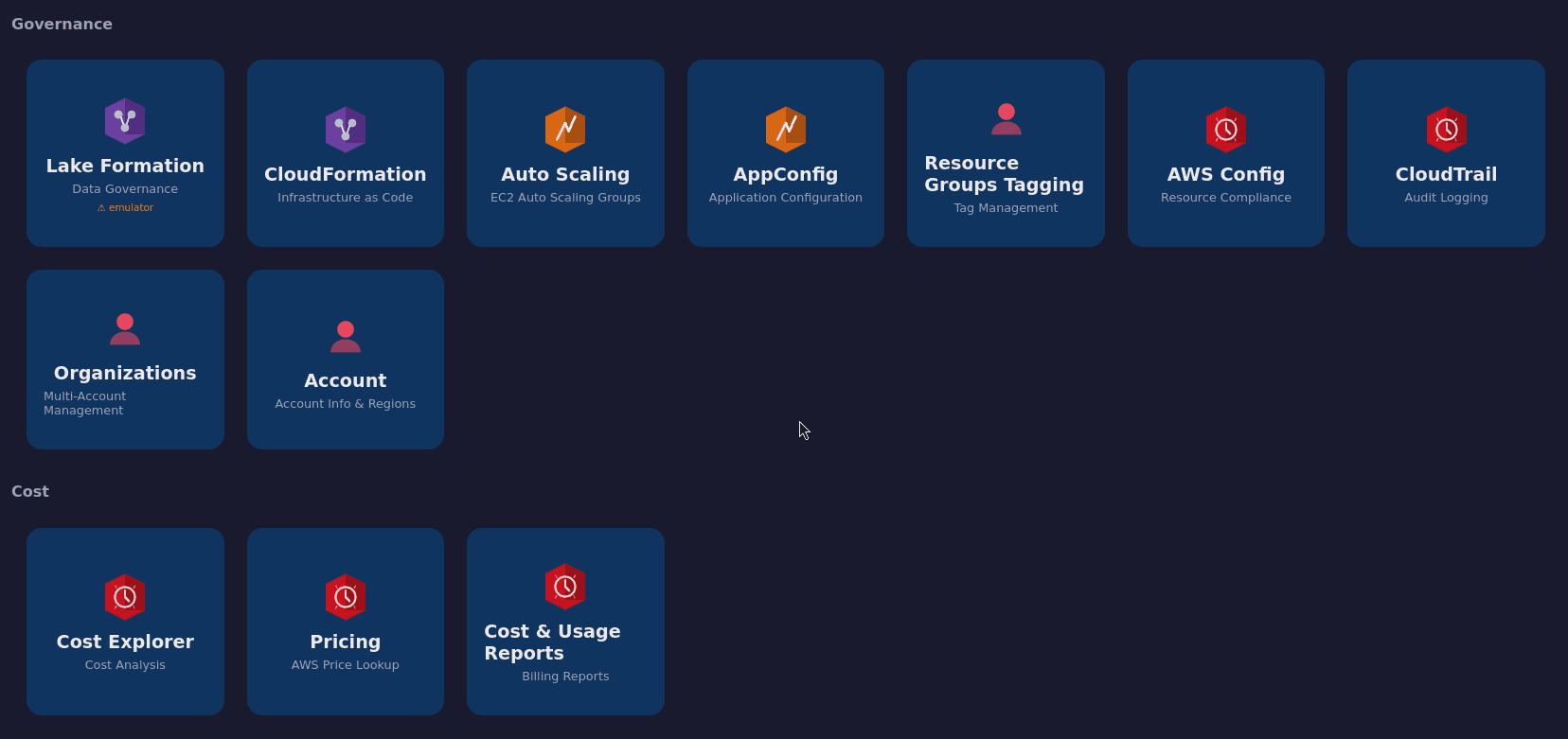
CloudFormation, Config, CloudTrail, Organizations, Account, and more
Cost Explorer, Pricing, and Cost & Usage Reports
One client, multiple targets
Select a profile, verify its region and endpoint, and keep the same desktop workflow across development, testing, and real operations.
Uses the standard AWS SDK credential chain and the selected profile's IAM permissions to operate real resources.
Explore AWS ↗Point AWS Desktop Center at Floci's local endpoint, an open-source emulator compatible with AWS SDK calls.
Visit Floci ↗Use MiniStack's single endpoint to explore and operate the services implemented by the emulator on your machine.
Visit MiniStack ↗Add endpoint_url to ~/.aws/config. The app displays an EMULATED badge and enables path-style addressing for S3.
endpoint_url = http://localhost:4566Emulator compatibility varies by service and implemented API. Redshift and Lake Formation are explicitly marked as unsupported in emulated mode.
Designed for operations
A focused desktop experience for quick inspections, operational tasks, and workflows that cross multiple AWS domains.
Local architecture
The frontend invokes typed IPC commands. The Rust process signs and sends requests; AWS credentials are not exposed to JavaScript.
A dashboard, sidebar, and consistent views for resources across ten domains.
Search, collapsible categories, and always-visible profile and region context.
Tauri 2, a Rust backend, and the system webview, with no Electron runtime.
Reads ~/.aws/credentials and ~/.aws/config, including SDK-compatible providers.
Every operation follows the exact permissions of the selected profile.
Inventory, details, and useful actions without reproducing the whole web console.
Get started
Download version 1.0.0 for Linux or Windows, or build the application from its source repository.
a profile in (Linux) or (Windows), with the appropriate region and permissions.
Stable release · AWS_DC_V.1.0.0
Portable extensionless binary for Linux.
After downloading, make it executable with chmod +x aws-desktop-center.
Inside the application
From environment selection to every operational domain: real screenshots of AWS Desktop Center connected to a local MiniStack endpoint.
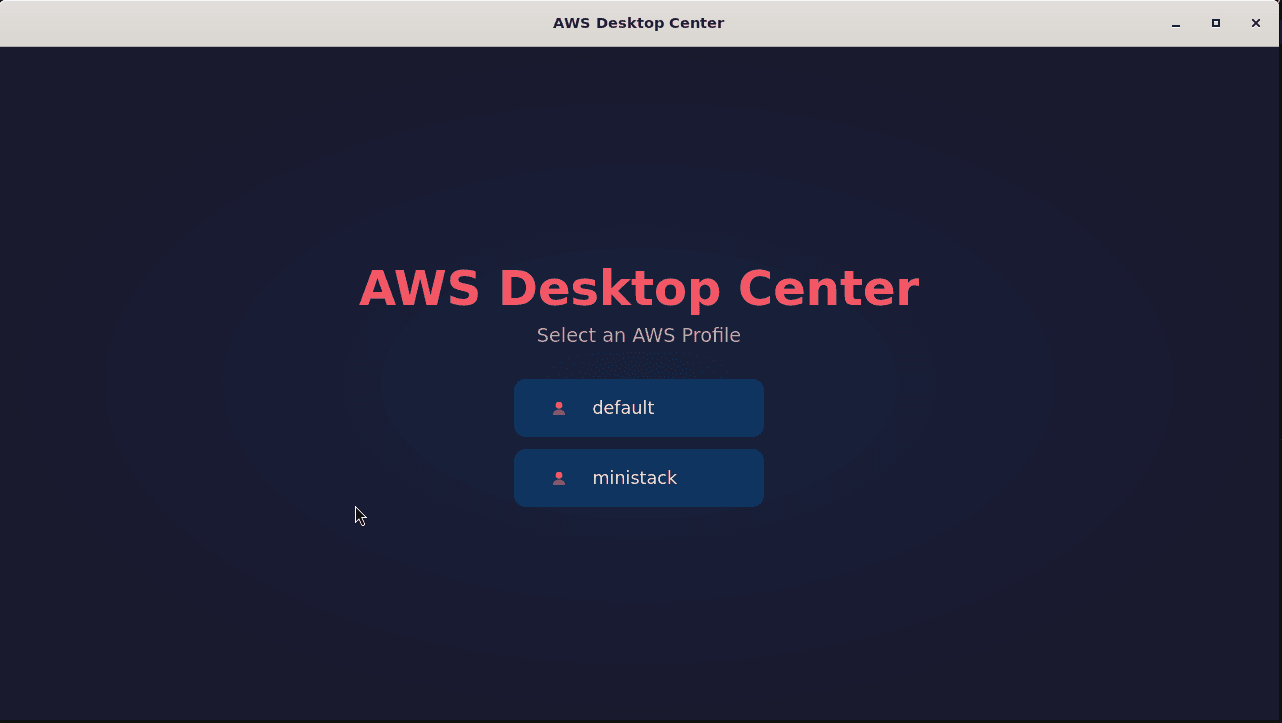
The app discovers standard AWS profiles. Switch between a real account and an emulated environment from the same entry point.
The dashboard combines domain tiles with search, the active region, and a visible identifier for the emulated endpoint.
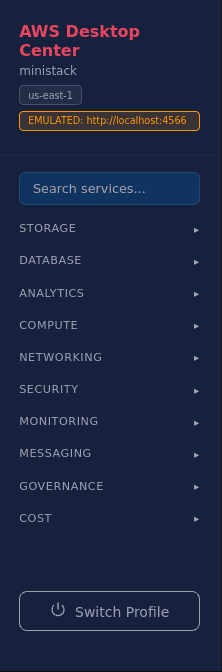
Context always visible
The active profile, region, endpoint, and every domain stay accessible while you work. Search services, collapse categories, or switch profiles without losing context.
Visual coverage